2026. 03. 03
How to Use Mimi's Feedback
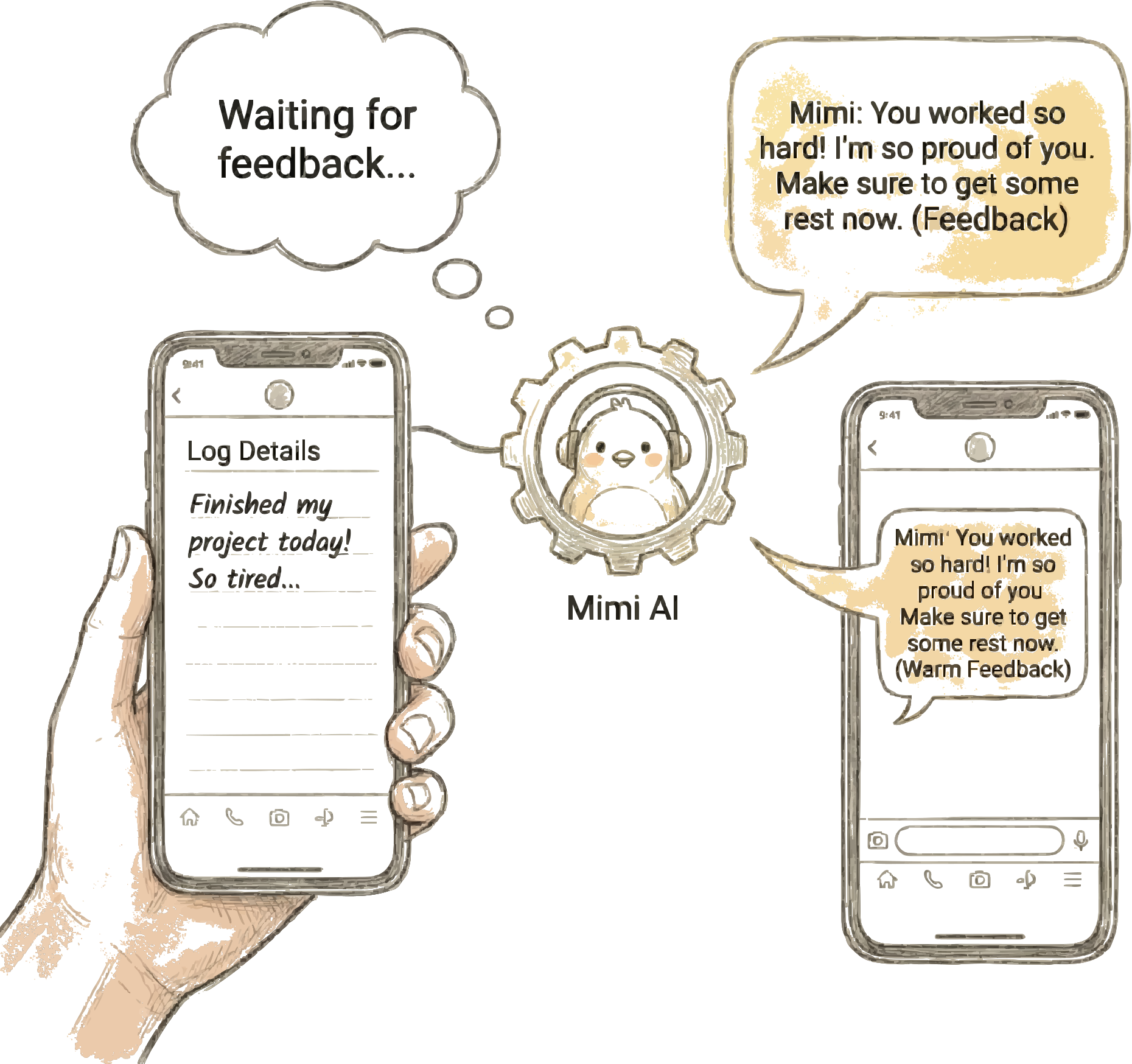
After you write a log, Mimi responds to your entry on the log detail screen.
It's like a friend listening to your story and sharing a few words.
Write today's log as usual.Step 1. Write a log
Example: "I had a presentation today and it went better than I expected."
After saving your log, you'll be taken to the detail screen.
Shortly after, Mimi reads your entry and sends feedback.
A typing animation (● ● ●) appears,
and then Mimi's message shows up in real time.
Step 2. Check the log detail screen
Mimi responds differently depending on your log:
💛 Empathy — When you write about tough or tiring times
👏 Praise — When you share good news or everyday moments
💡 Tips — When you write about health, study, or exerciseStep 3. Three types of feedback
"That must have been really hard. It's okay to feel exhausted sometimes."
"Your presentation went well! You must have prepared a lot. That's awesome!"
"Getting enough sleep before an important day really helps. Take care of yourself!"
Mimi's feedback is written in your native language.
Mimi understands the content of your log written in a foreign language
and responds with a warm message.
Every time you write a log, Mimi reads and responds,
giving you more motivation to keep writing than doing it alone.
Step 4. Feel supported through feedback
"When you write a log, Mimi reads and responds. That feeling of not being alone — that's Mimi's feedback."
Get Started with Mimilog